From a single gate to a full CPU — in your browser.
Design, wire and simulate digital logic circuits in real time. Nothing to install, nothing to compile. Available in English, Spanish, Portuguese and French.
How it works
Three steps. No compile button.
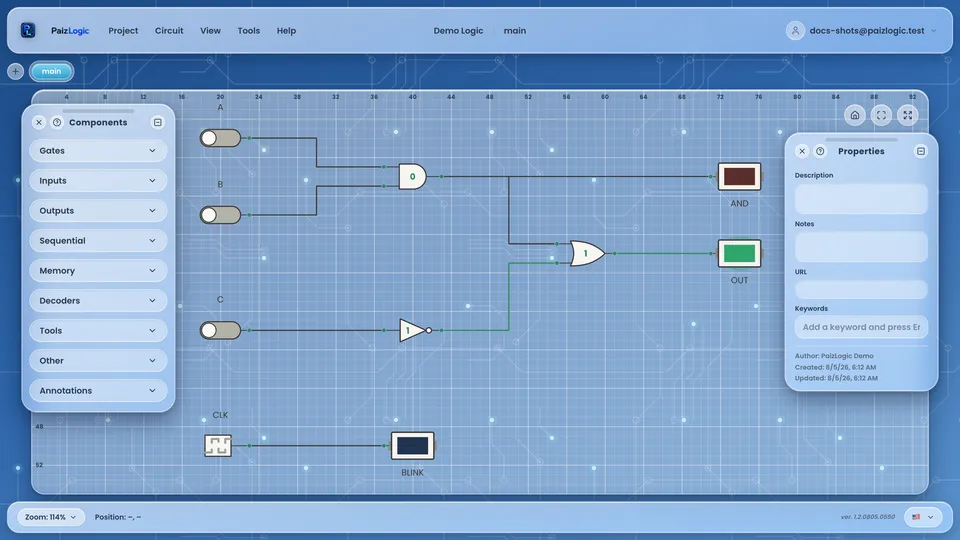
Drop a component, draw a wire — the circuit is already running.
Drag
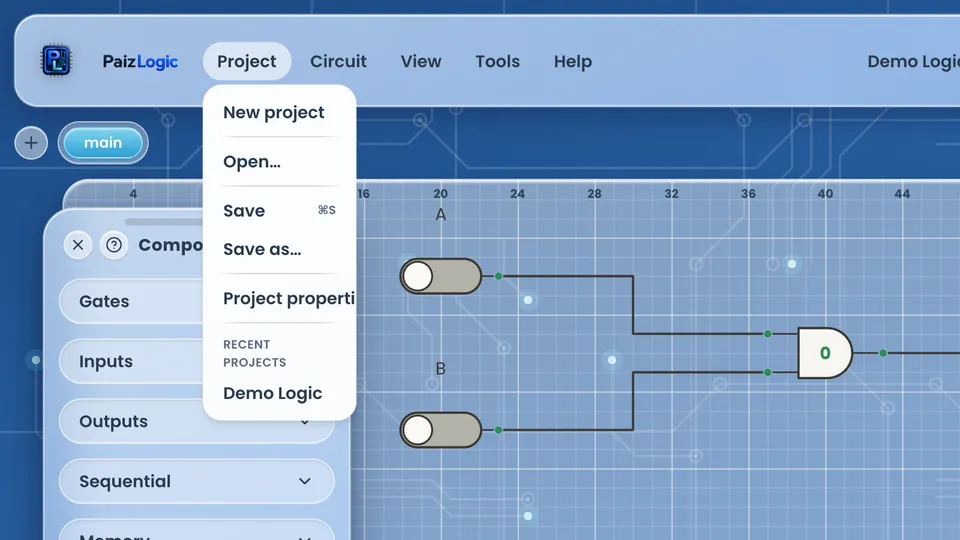
Pick any of the 49 components from the palette and drop it straight onto the canvas.
Wire
Draw from one terminal to another. Wires route themselves at right angles, and widths are checked as you connect.
It's already running
Flip a switch and the whole circuit reacts — LEDs, displays and buses, live. There is no build step.
Features
Everything you need for digital logic
Six things PaizLogic does today — every one of them shipped, not planned.

Turn any circuit into a chip
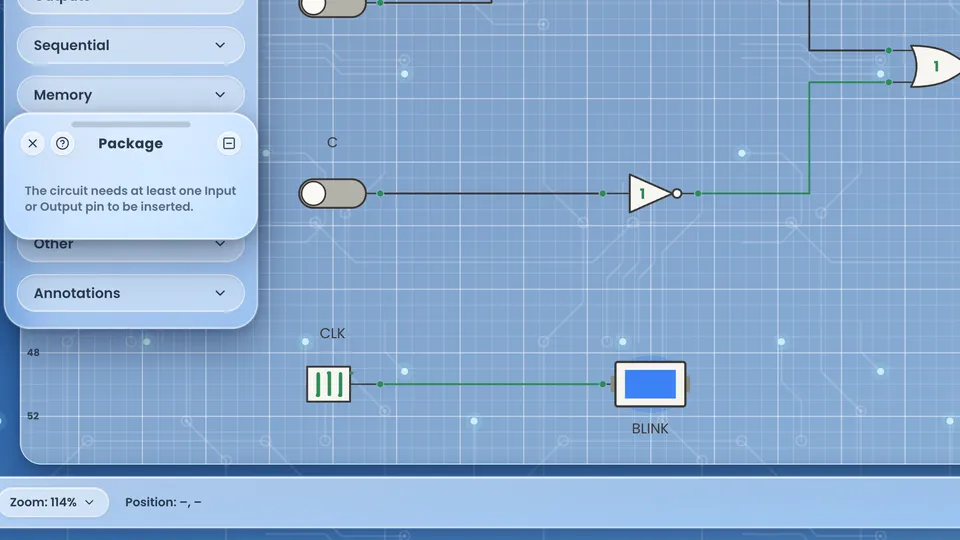
Package a subcircuit as a reusable IC with its own footprint — linear, square or hexagonal body, labelled pins with bus notation, surface lights that mirror live outputs, and silkscreen. Then drop it into a bigger circuit like any other part.
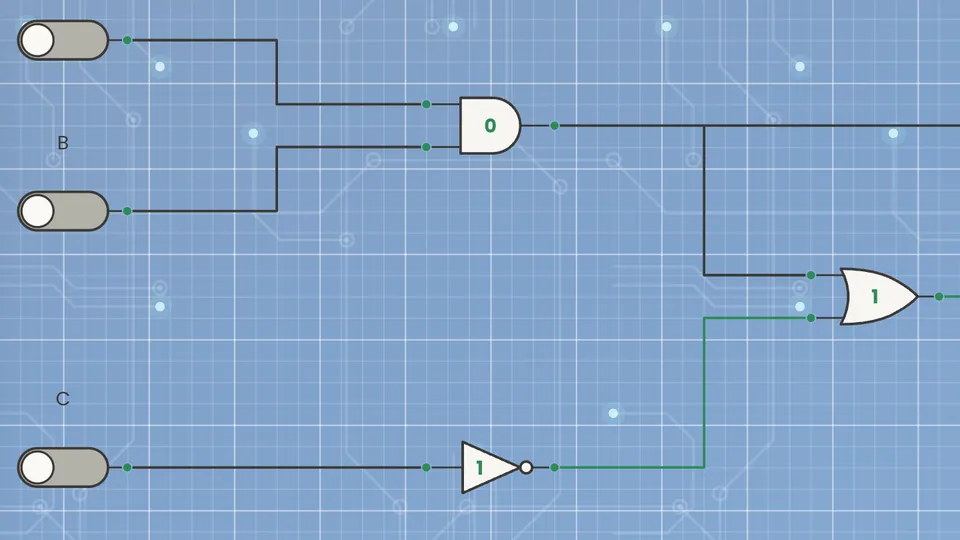
Real-time simulation with real timing
An event-driven engine with propagation delay set per component, in nanoseconds. Floating and high-impedance states are modelled, not faked.
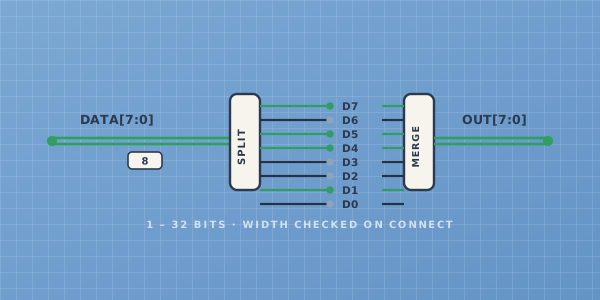
Multi-bit buses up to 32 bits
Splitters and mergers, width checking on every connection, and the IEEE double-line symbol so your schematic reads like a schematic.
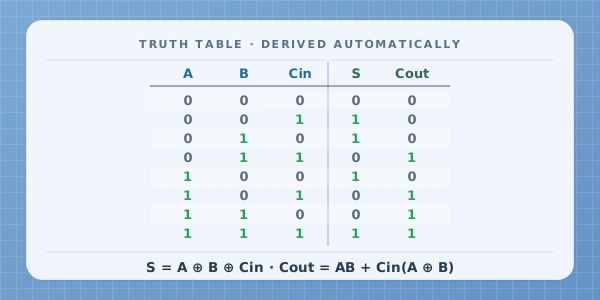
Truth table and Boolean equation, automatically
Any combinational circuit gets its truth table and simplified expression derived on the spot. Nothing to set up, nothing to configure.
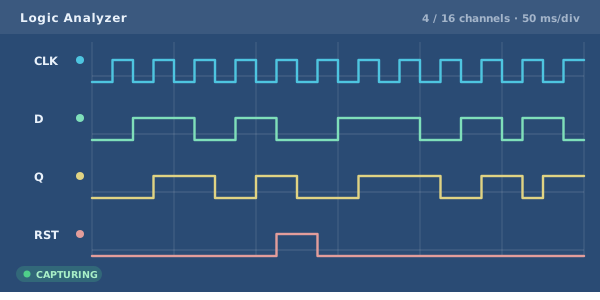
Built-in Logic Analyzer
Probe up to 16 signals and watch them over time, with an adjustable timebase from 20 to 500 ms per division.
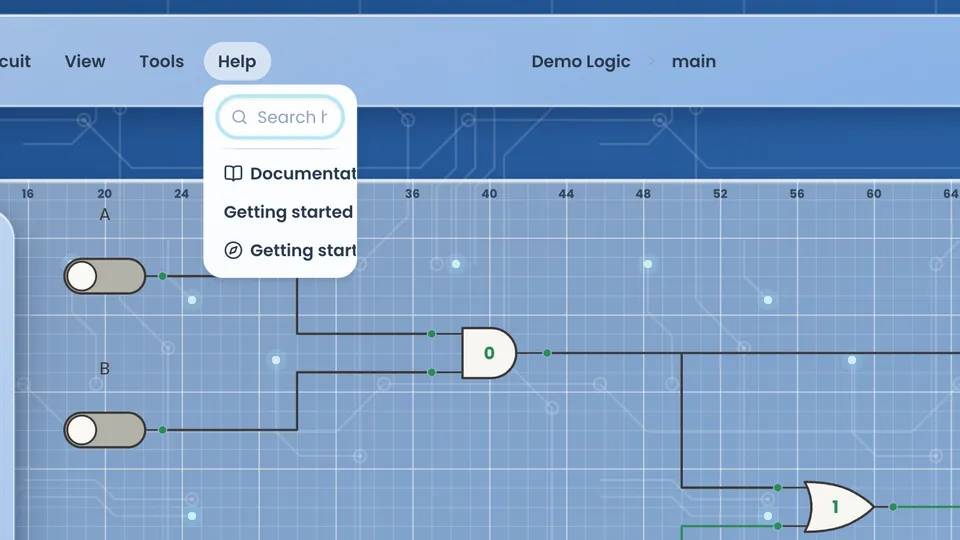
Help for every single component
Right-click any part and its topic opens: what it does, worked examples by level, and academic references in APA format — in all four languages.
Catalogue
49 components, each one documented
Every part in the palette, drawn exactly as it appears on the canvas.
Tools1
PROBEClick any component to read how it works, see worked examples and check the references.
Examples
Start from a working circuit
Open any of these, take it apart, and make it yours.
Half adder
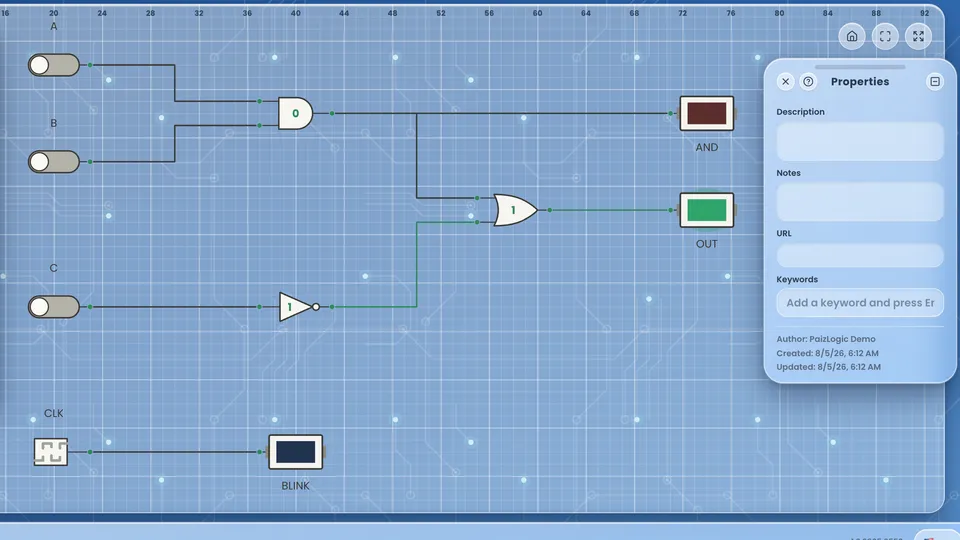
Full adder
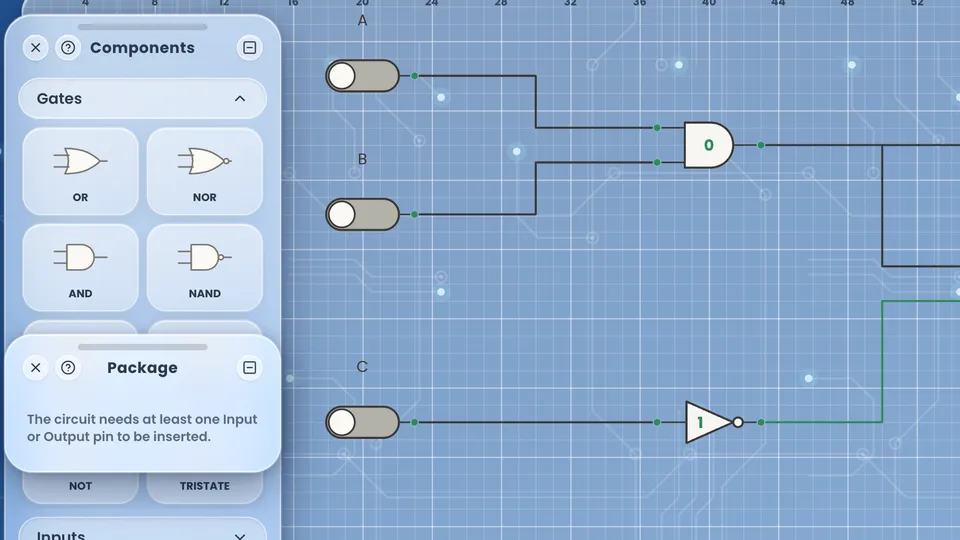
4-to-1 multiplexer
Decade counter → 7-segment
4-bit shift register
ROM-driven sequencer
Your work
Your circuits follow you
Projects live in your account, so you can start on the lab computer and finish on your own.
- Projects and folders, saved to the cloud
- Optional autosave, every 1 to 30 minutes
- Conflict protection — a save from another tab never silently overwrites your work
- Export and import circuits as portable JSON files
- Undo and redo, 50 steps per circuit
Learn
Documentation, not just a tooltip
Every component, panel and menu is documented — in four languages, with worked examples and academic references.
A guided tour in six steps
An interactive walkthrough highlights each panel as you go — no video to pause, no manual to read. You are building a circuit before you finish it.
84 topics at docs.paizlogic.com
Public documentation with the same content the in-app help panel uses — one source, two surfaces. References follow APA, drawn from Mano & Ciletti and Horowitz & Hill.
For schools and universities
Use it in your classroom
No lab installs, no licence to renew, and the same tool works for every student in your programme.
- Nothing to install on lab machines — it runs in the browser
- No per-seat licence, no cost per student
- Four languages, so one tool covers your whole programme
- Help content aligned to standard course bibliography
Honest limits
What PaizLogic is not
So you know before you invest an afternoon in it.
No analog simulation
Digital logic only — no resistors, op-amps or transistor-level behaviour.
No Verilog or VHDL
A deliberate design decision, documented — not a feature waiting in a backlog.
Built for the desktop
It opens on a tablet or phone, but editing is limited on small screens.
Questions
Before you sign up
Do I need to install anything?
No. PaizLogic runs entirely in a modern browser — no plugin, no download, no admin rights.
Is it free?
Yes. Creating an account and using the simulator costs nothing.
Does it work on a Chromebook?
Yes. Anything with a recent browser and a keyboard and mouse will do.
Are my circuits private?
Yes. Every project is scoped to your account and no one else can read it.
Can I take my work with me?
Yes. Any circuit exports to a portable JSON file you can keep, share or import back later.
Can I use it for my course?
Yes, and we would like to hear about it — get in touch and we will help you set it up.
Build your first circuit today
Free account. Four languages. Nothing to install, nothing to compile.